
Does this sound familiar?
- The screen is cracked, has lines, or stays dark while the Mac is on
- The battery says "service recommended," or the laptop dies when unplugged
- Keys are stuck or repeat, or the trackpad stopped clicking
- Something got spilled on it, and now it won't start
- It won't power on, or it's stuck on the Apple logo
Common MacBook problems
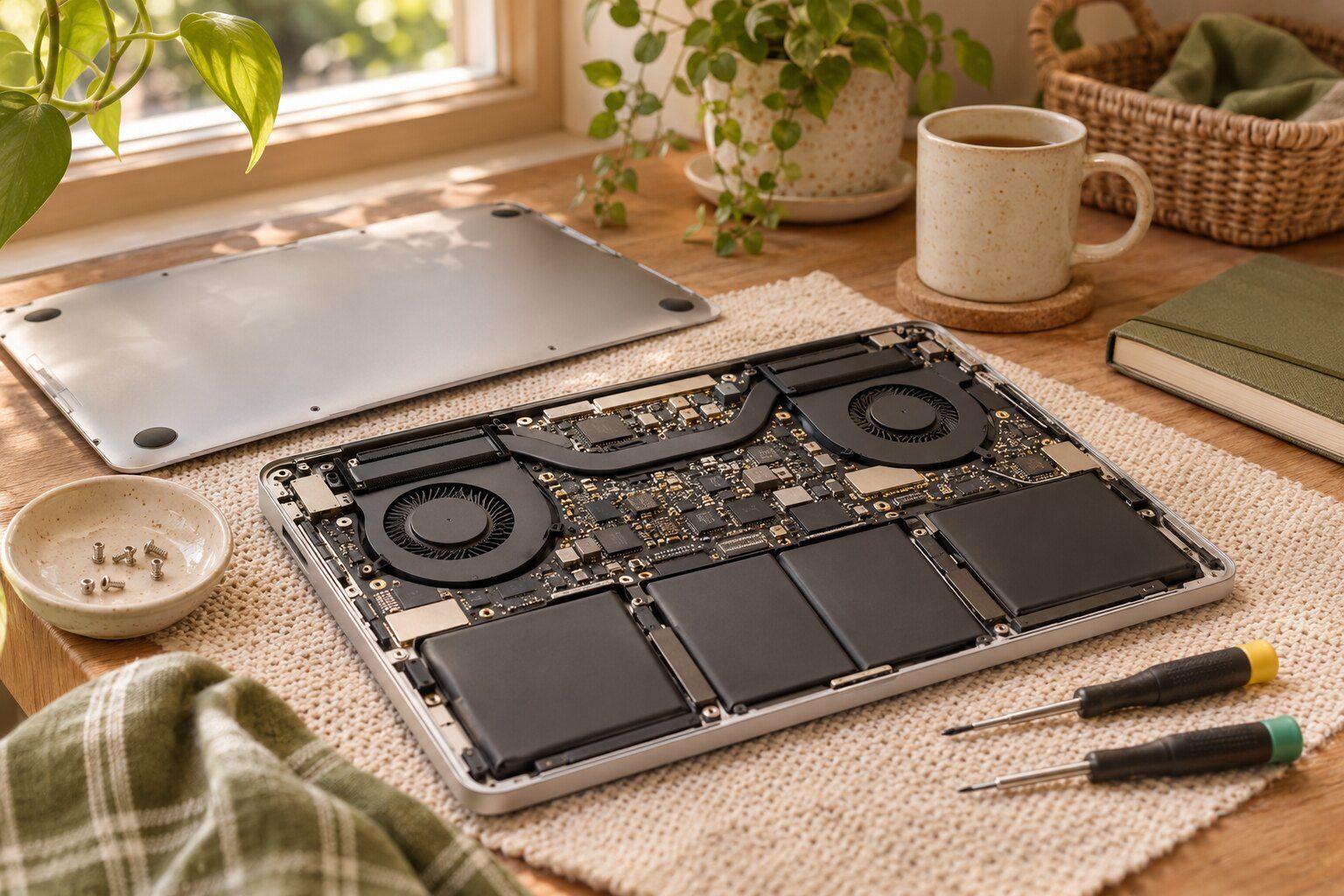
Batteries are the simplest place to start. MacBook batteries wear down over the years, and it's not unusual for one to start swelling and press against the trackpad. If your trackpad has started to feel stiff or stops clicking, have someone look at the battery, as that can be the real cause.
Screens come next. They're thin, and the classic crack comes from closing the lid on a pair of earbuds or a pencil. On newer models, the screen and lid are one assembly, so we'll explain what's needed for yours.
Then there's the spill. A cup of coffee on a MacBook keyboard is a classic, and speed matters a lot, because liquid keeps causing corrosion long after it has dried out.
When it's the logic board
A dead MacBook isn't always a lost one. Often a small part on the main board has failed, and that can be repaired at the board level, which is far less drastic than replacing the entire board. You can read about that on our MacBook logic board repair page.
How it works here
Bring it in, describe what's going on, and leave your charger with it. We'll check it over, tell you what we found and what we recommend, and you decide whether to go ahead. We're independent and not connected with Apple, so you can get a second opinion here even if you've already been told the fix isn't worth it.
Fast, friendly great service. Pleasant to work with, knowledgeable and efficient.
Questions we get a lot
Which MacBooks can you repair?
MacBook Air and MacBook Pro, both newer models and older Intel ones. Parts vary a lot by year, so bring it in or call with the model from About This Mac.
What should I do if I spilled something on my MacBook?
Turn it off right away, unplug it, and don't try to start it to check if it's okay. Tip it open like a tent to let it drain, and bring it in as soon as you can. The sooner it's opened, the better.
Can you upgrade my MacBook?
On many newer models, the memory and storage are built into the board, so they can't be upgraded. Some older ones can. We'll tell you what's possible on yours.
Will you keep my files safe?
Most repairs don't touch your files, but back up with Time Machine or iCloud if you can before bringing it in. If it can't start, we'll tell you what your options are for getting your files.