
Does this sound familiar?
- You have to wiggle the cable or prop the phone up to charge it
- The cable won't click in firmly or falls out by itself
- Charging starts and stops over and over
- Wireless charging works, but the cable doesn't
- Your phone says the accessory isn't supported, even with a good cable
Check for lint first
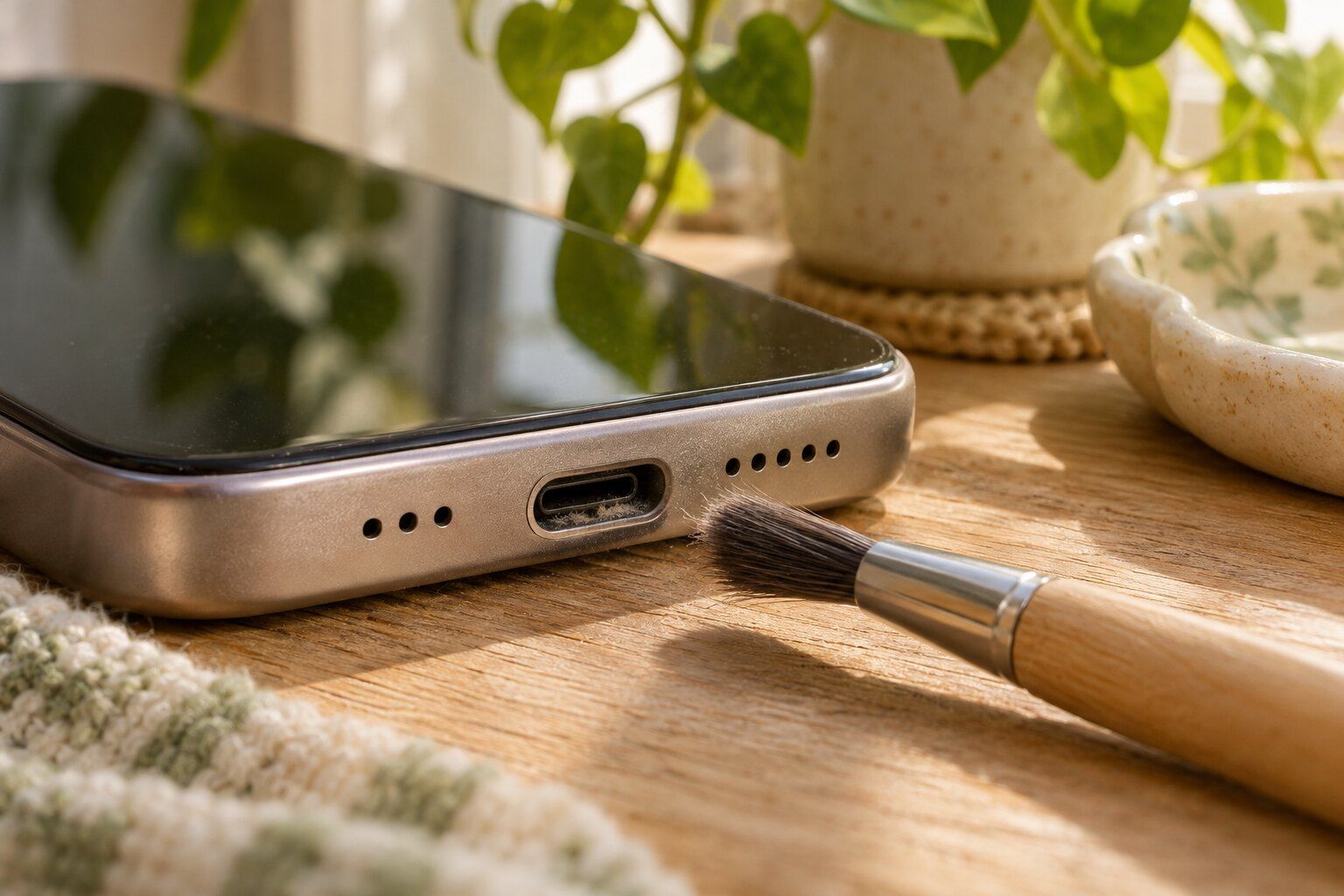
Your pocket is full of lint, and every time you plug in a cable, it packs a little more of it to the back of the port. After a year or two, there's a solid felt pad back there and the plug can't seat all the way. It looks exactly like a broken port. A customer named Ryan had his cleaned on the spot, and another, Dena, had all of her ports cleaned out when she brought in her phone for a screen. It's one of the most satisfying fixes we do.
When a port needs replacing
If the pins are bent or corroded, or the port itself is loose, cleaning won't help. That usually happens from a cable getting yanked while the phone's plugged in, from sleeping on a phone that's charging, or from water getting in. On some phones, the port sits on a small replaceable board, and on others it's soldered to the main board. Either way, we can look at yours and explain which it is.
Be kind to the new port
Pull the plug by its head and not the cable, keep your phone out of lint-filled pockets when you can, and give the cable some slack if you use the phone in bed. A little care here saves you from coming back to see us, though we'd always be glad to say hello.
Rob and his team are top notch. He got a new screen for my Pixel 8 the next day and had it installed in about an hour. He also cleaned my charging port on the spot while assisting other customers. I would utilize their services in a heartbeat!
Questions we get a lot
Can I clean the port myself?
You can try, gently, with a soft brush or a burst of compressed air. Please skip the toothpick, the paperclip and the safety pin. They scratch contacts and can short the pins, which turns a cleaning into a real repair.
How do I know if it's the port or the cable?
Try a different cable and a different charger first, ideally one you know is working. If nothing changes, and especially if the plug feels loose in the phone, the port is the next suspect.
How long does a port repair take?
A cleaning takes minutes, often while you're standing at the counter. Replacing a port takes longer and depends on the phone, so we'll give you a real estimate when we see it.
Could it be something more serious?
Occasionally. If the port is fine but the phone still won't take a charge, the trouble can be a charging chip on the main board. We handle that kind of board-level repair too.