
Signs it's time for an upgrade
- Your games stutter even at lower settings
- You're always deleting one game to install another
- The fans sound like a vacuum cleaner during gaming
- It crashes to the desktop in the middle of a game
- You got a new graphics card and aren't sure it'll fit or be powerful enough
Upgrading in the right order
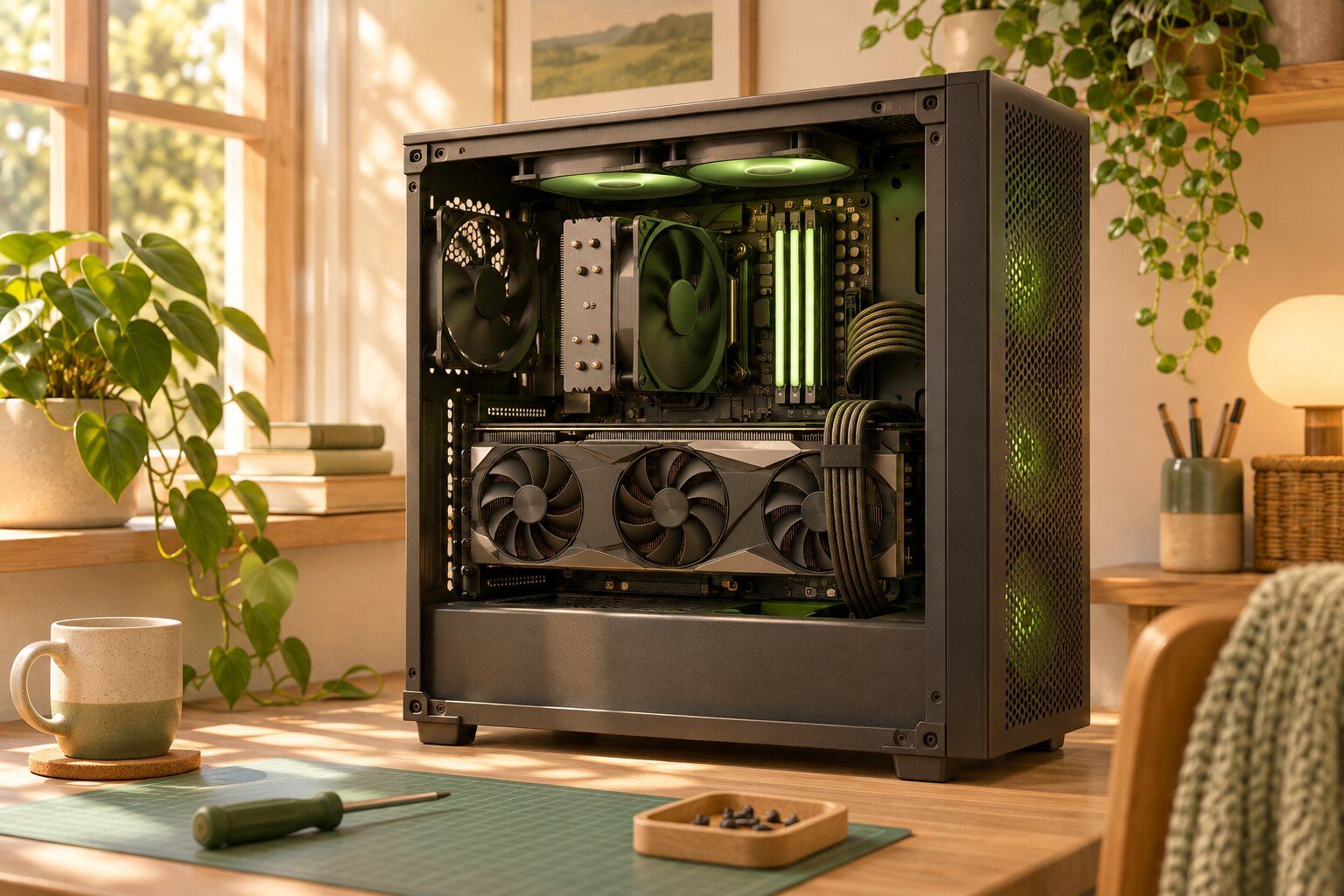
Upgrades work best when you fix what's actually holding your PC back. A fast new graphics card can be wasted on an old processor, and it may not fit in your case or be supported by your power supply. Before suggesting anything, we look at what you've got, what you play and the resolution of your monitor. Then we suggest the one or two changes that will make the biggest difference.
Keeping it cool and quiet
Heat is the hidden problem with gaming PCs. Dusty filters and old thermal paste make the CPU and GPU slow themselves down, and it's easy to mistake that for needing new parts. Sometimes a good cleaning, fresh paste and better airflow can bring back performance you thought you'd lost.
Repairs too
We also fix gaming PCs that don't start, won't show a picture, or keep crashing. If you built it yourself and something's not quite right, bring it in. There's no judgment here, and we like seeing what people build. If your son or daughter built this one, that's even better, and we're happy to explain what we found so they can learn from it.
Fast, friendly great service. Pleasant to work with, knowledgeable and efficient.
Questions we get a lot
What's the best upgrade for my PC?
It depends on what's holding it back. A solid-state drive helps with load times, more memory smooths out stutter, and a stronger graphics card helps frame rates. Tell us what you play and what's bothering you, and we'll look at your parts to see what makes sense.
Can I bring parts that I already bought?
Yes. Bring them in, and we'll check that everything's compatible and install them. If you're not sure before buying, call us first, because power supplies and case sizes catch a lot of people.
My kid wants a gaming PC. Is upgrading our old desktop an option?
Sometimes. Many office desktops have small power supplies and cases that limit what fits. We'll take a look and tell you honestly if it's worthwhile, or whether you'd be better off starting from a different machine.
Why does my PC crash during games?
Overheating, an overworked power supply, unstable memory or bad drivers are the usual causes. We test these one by one instead of guessing.