
Good reasons to call us out
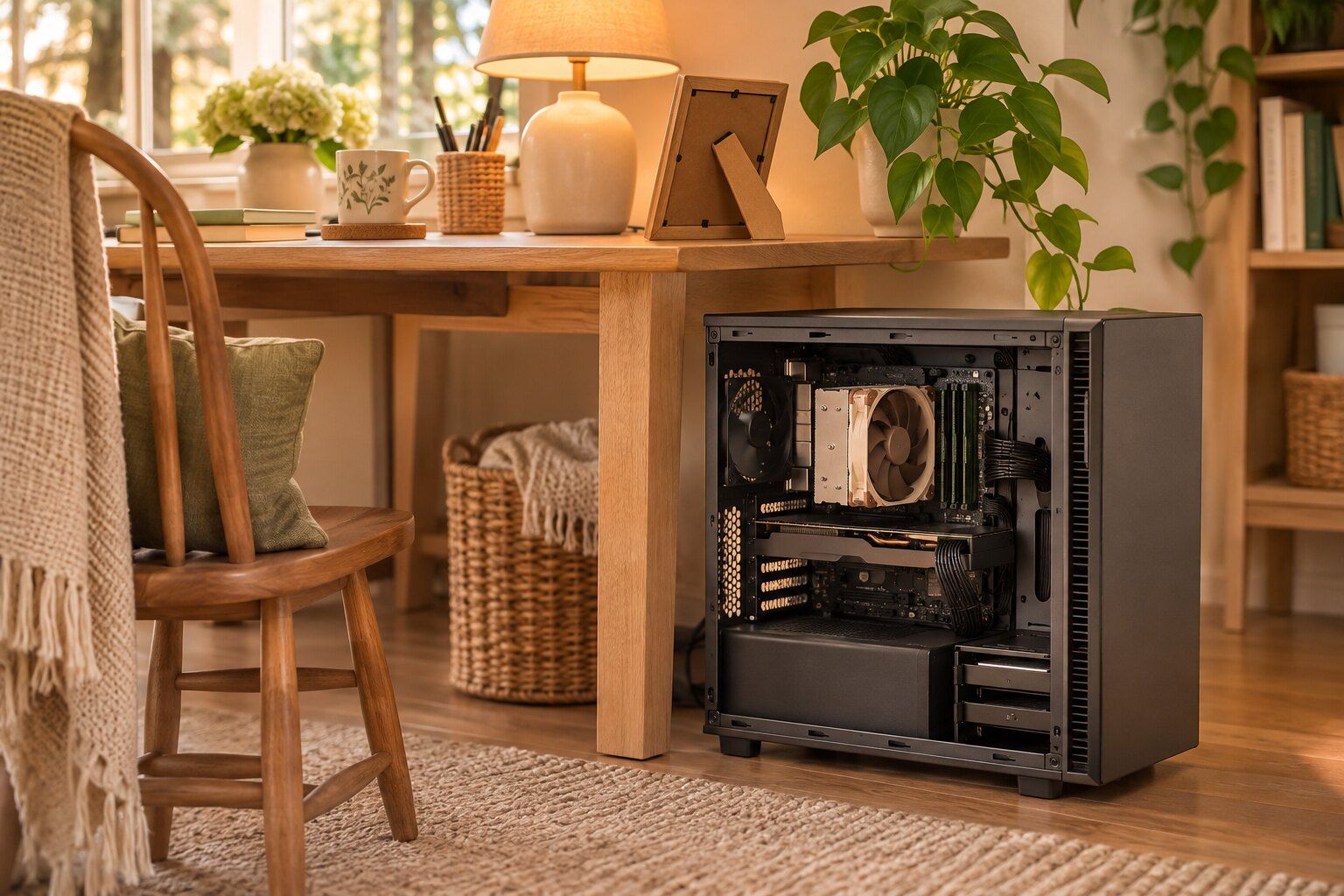
- The desktop is heavy or hard to disconnect, or you don't drive much anymore
- The trouble may be with the printer, network or wiring and not just the computer
- You got a new computer, and you need your old files moved and everything set up
- You have several computers in the house that need a checkup
- Your computer is slow or infected, and you'd like someone to come sit down with you
What a visit looks like
You call and tell us what's going on, and we set up a time. When we arrive, we take a look at the computer in its normal setting, which sometimes tells us things we wouldn't learn at a repair counter, like a power strip that's failing or a router tucked behind a filing cabinet. Then we'll tell you what we see and what we suggest, and you decide what you'd like us to do.
We try to leave things better than we found them. That might mean showing you how to use a new feature or labeling the cables so you can move the desk next time. It might mean setting up a backup, which is the one thing we'd recommend for almost everybody. If you have thirty years of family photos on one old hard drive, it's worth making a second copy.
When the shop is better
Some repairs do need our bench and microscope, such as board-level work, liquid damage and data recovery from a failing drive. In those cases, we can take the computer with us or ask you to bring it in. You can read more about the shop-based computer repairs we do.
Who this is good for
House calls work well for retired folks who'd rather not wrestle with a heavy computer, for busy parents who don't have time to run to the shop, and for people who've tried to fix it on the phone with someone in a call center and got nowhere.
Fast, friendly great service. Pleasant to work with, knowledgeable and efficient.
Questions we get a lot
Can you fix everything at my house?
A lot of problems can be handled on the spot, like software trouble, cleanups, printers, network problems and simple part swaps. If it needs the bench at the shop, we'll tell you and can take it in with us.
Do you work on both Macs and Windows PCs?
Yes. Tell us what you've got when you call, and we'll bring what's likely to be needed.
What about my printer?
Printer problems are often really Wi-Fi or driver problems, so it's reasonable to have us check while we're there. Mention it when you call.
Do I need to be home?
Yes, or someone you trust should be, so that we can ask questions and get a sign-in if we need one. If you're helping a parent from a distance, we can coordinate with you on the phone.